
Chapter 6 of 11
Keep your PCs cool and healthy
Heat and wear can slow a PC down. A little care keeps every PC at full speed.
- Throttling from
- 70 °C1.2% per degree above
- Most heat loss
- 30%at 95 °C
- Thermal paste
- from $0.01priced for the chosen chip
- Fan cleaning
- from $0.01per fan
#Temperatures
Every mining PC shows a CPU and a GPU temperature. The hotter chip sets its state:
- Coolbelow 60 °C
- Warm60–69.9 °C
- Throttling70 °C and up
A PC that isn’t mining (out of energy or not complete) shows no temperature and loses nothing to heat.
#Throttling
Up to 70 °C a PC runs at full speed. Above it, every degree costs 1.2% of its speed, up to 30% at 95 °C. At 80 °C, for example, a PC loses 12%.
#What sets the temperature
Each chip’s temperature comes from the whole PC’s heat, the chip’s own heat, its cooler and the case’s airflow:
chip °C = 43 + (PC heat + chip heat ÷ cooler) ÷ airflow + dry paste
PC heat = 0.043 × (PC watts − fan and cooler watts)
chip heat = CPU: 6.5 × CPU watts ÷ 35  ·  GPU: 9 × GPU watts ÷ 75
cooler = the CPU cooler’s rating, or the GPU’s own cooler rating
airflow = case airflow % × (0.7 + 2 × flow ÷ (flow + case target))
flow = for each fan: strength × (mount mm ÷ 120)² × (25% dusty … 100% clean)
dry paste = up to +20 °C on its own chip
In plain words: more watts make more heat; a better cooler divides the chip’s own heat; a case with good airflow and more, stronger, cleaner fans divides everything; and dry paste adds heat on top. Fans and coolers move air instead of heating the case, so adding one never costs you heat.
#Thermal paste
Paste dries out as a PC mines: a CPU’s paste lasts 72 hours of mining and a GPU’s 96 hours. Dry paste adds up to +20 °C to its own chip.
Standard pricing for one dose is the greater of $0.25 or 0.2% of the chosen chip’s list price. Buy it from that CPU or GPU’s care card. The prepaid dose belongs to that exact component and target; manual application is free. A sealed PC uses its system list price.
#Fans and dust
Fans collect dust over 48 hours of mining. A fully dusty fan moves only 25% of its air. Standard fan cleaning costs the greater of $0.20 or 0.01% of the PC value divided by its installed fan count, rounded up to a micro-dollar. An exact ready-PC recipe uses its card total; a custom PC uses its parts’ list-price total, excluding cosmetics. Each fan retains its highest installed cleaning fee, so stripping the PC or moving the fan to storage cannot lower its quote. A sealed PC is one cleaning unit. Grain uses its sealed-PC cleaning price of $0.01. Pebble uses its sealed-PC cleaning price of $0.04.
#Wear and repairs
Every part except the case wears as it mines. Over 336 hours (14 days) of mining, wear grows to a 15% speed loss; the most worn part sets the loss. A part counts as worn from 5%.
A standard part repair restores it to 100% for 2% of its list price, at least $0.10. Repairing a Novidia RTZ 5090 · 32 GB ($2,958.86), for example, costs $59.18.
#The 50% floor
Heat and wear together never take more than 50% of a PC’s speed: a neglected PC always keeps at least 50%.
#Care clocks only run while mining
Paste, dust and wear only age while a PC mines. A PC that is out of energy keeps its condition.
#Care in numbers
The table shows every PC card fresh, after 96 hours of mining with no care at all (fully dry paste, fully dusty fans), and fresh but without any case fans. Wear comes on top.
| PC | Draw | Fresh | No care | Heat loss | No case fans |
|---|---|---|---|---|---|
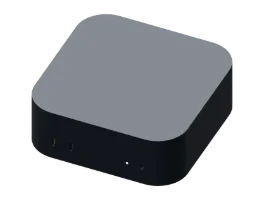 Grain Grain | 5 W | 44.8 °C | 76.8 °C | 8.16% | sealed |
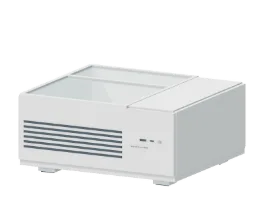 Pebble Pebble | 20 W | 45 °C | 77 °C | 8.4% | sealed |
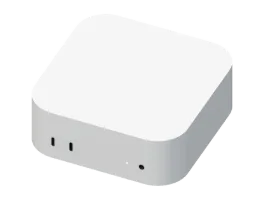 Mack mini M4 Pro Mack mini M4 Pro | 65 W | 47 °C | 79 °C | 10.8% | sealed |
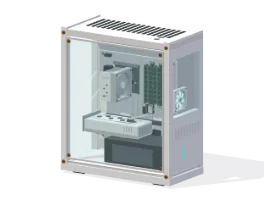 Seed Seed | 77 W | 52.2 °C | 76.9 °C | 8.32% | 62.3 °C |
 Sapling Sapling | 87 W | 53.6 °C | 79.1 °C | 10.94% | 65.3 °C |
 Fern Fern | 89 W | 54.4 °C | 80.3 °C | 12.34% | 66.9 °C |
 Sprout Sprout | 103 W | 56.9 °C | 84.2 °C | 17.03% | 72.3 °C (−2.81%) |
 Grove Grove | 115 W | 57.5 °C | 85.3 °C | 18.35% | 80.5 °C (−12.57%) |
 Cedar Cedar | 159 W | 56.9 °C | 84.5 °C | 17.34% | 77 °C (−8.34%) |
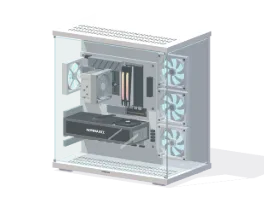 Redwood Redwood | 267 W | 57.9 °C | 85.7 °C | 18.89% | 83.8 °C (−16.53%) |
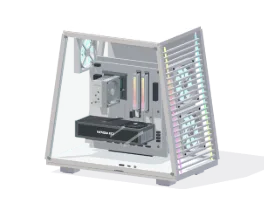 Sequoia Sequoia | 348 W | 58.4 °C | 85.2 °C | 18.27% | 90.1 °C (−24.09%) |
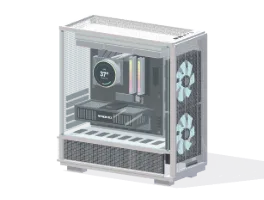 Canopy Canopy | 395 W | 56.7 °C | 83.2 °C | 15.83% | 83.2 °C (−15.81%) |
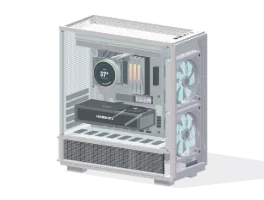 Hyperion Hyperion | 493 W | 58.1 °C | 83.9 °C | 16.63% | 91.4 °C (−25.7%) |
#Good cooling pays
An example from the game: an Intellect Corps i9-14900K with a Novidia RTZ 5090 · 32 GB, halfway through its paste’s life.
Basic cooling
- CoolerThermalbright Assailant X 120
- CaseNEXT H510 Elite
- Case fans1 × ANTARCTIC P12 PWM PST A-RGB
81.2 °C86.6% speed
Strong cooling
- CoolerNEXT Kraken 360
- CaseLIAN LU LANCHILL 216
- Case fans2 × LIAN LU LANCHILL 216 160 RGB Performance, 1 × LIAN LU OMNI FAN SL140 V2
67.4 °C100% speed
Better coolers, cases with high airflow and more, stronger fans all lower temperatures. Cases differ a lot: compare their fan mounts and airflow in the parts reference.
#Sealed PCs
Sealed PCs start from their own temperatures. Dry paste adds up to +20 °C and a clogged fan up to +12 °C.