
Chapter 5 of 11
Build and upgrade your PCs
A PC is a set of parts. Some parts make H/s, every running part uses watts, and every part must fit the others.
- Parts on sale
- 136in 9 kinds
- Efficiency bonus
- up to ×1.40for stronger builds
- PSU reserve
- 15%on top of the draw
#The parts
- CaseNo H/sNo watts
Holds the PC. Cases differ in their fan mounts (1 to 9 mounts, 92, 120, 140, 160 mm) and their airflow score (52–98). No H/s, no watts, and it never wears out.
17 models - MotherboardNo H/sUses watts
Sets the CPU socket, the memory type (DDR2, DDR3 and DDR5), the number of RAM slots (2–4), the most RAM it takes (8–256 GB), the biggest single module and the memory speed. Its base draw is 16 W (4 W on DDR2/DDR3 boards).
8 models - CPUMakes H/sUses watts
Makes H/s and uses watts: from 1.2 H/s to 650 H/s. It must match the motherboard’s socket.
22 models - Graphics cardMakes H/sUses watts
Usually your biggest H/s source: 4 H/s to 1,200 H/s. Each GPU has its own cooler rating, which sets how hot it runs.
27 models - RAMMakes H/sUses watts
Makes H/s from its total size and speed. It must match the board’s memory type, and all modules run at the slowest supported speed.
33 models - SSD / storageMakes H/sUses watts
A little H/s (1 H/s to 16 H/s) for a few watts.
5 models - Power supplyNo H/sNo watts
Powers the PC. Its capacity must cover the PC’s draw plus a 15% reserve. From 100 W to 600 W.
6 models - CPU coolerNo H/sUses watts
Cools the CPU, with ratings from 1 (basic) to 2.5. Old-socket coolers fit only boards of their own family.
8 models - Case fansNo H/sUses watts
Move air through the case. Any fan fits any mount, and bigger mounts move more air. Fan strength runs from 0.7 to 1.45.
10 models - Sealed systemsMakes H/sUses watts
A complete machine in one box (Mack mini M4 Pro): fixed parts, nothing to change. See sealed systems.
1 model
#Where H/s and watts come from
parts H/s = CPU + GPU + SSD + RAM
watts = board base (16 W, or 4 W on DDR2/DDR3) + CPU + GPU + SSD + RAM + cooler + fans
PC H/s = parts H/s × efficiency multiplierParts H/s 71.67
- CPU 4
- GPU 65
- RAM 1.67
- SSD 1
Watts 115
- Base 4
- CPU 24
- GPU 75
- RAM 3
- SSD 2
- Cooler 3
- Fans 4
71.666 parts H/s × 1.1883 = 85.2 H/s on 115 W · its 150 W power supply covers the 132.3 W it needs with the reserve
#RAM: size and speed
RAM makes more H/s as you add capacity, a little less with each doubling, and it scales with its speed.
DDR5: (10 + 6 × log2(total GB ÷ 8)) × speed ÷ 4,800
DDR2 / DDR3: the table below × speed ÷ 1,600| DDR5 at 6,000 MT/s | RAM H/s |
|---|---|
| 16 GB | 20 H/s |
| 32 GB | 27.5 H/s |
| 64 GB | 35 H/s |
| 128 GB | 42.5 H/s |
| 256 GB | 50 H/s |
| DDR2 / DDR3 total | Base H/s |
|---|---|
| 2 GB | 1 H/s |
| 4 GB | 2 H/s |
| 8 GB | 4 H/s |
| 16 GB | 6 H/s |
The speed is the slowest of the board’s memory speed and every module’s speed. One slow module slows them all.
#What fits
- One of each. A PC needs exactly one case, motherboard, CPU, graphics card, SSD, power supply and CPU cooler, plus at least one RAM module.
- Socket. The CPU’s socket must match the motherboard’s.
- Memory type. Every RAM module must match the board’s memory type (DDR2, DDR3 or DDR5).
- RAM slots and size. No more modules than slots, no more total RAM than the board’s maximum, and no module bigger than the board takes.
- Fans. No more case fans than the case has mounts.
- Power supply. The PC’s draw plus a 15% reserve must fit. A 400 W PC needs at least a 460 W power supply.
- Old coolers. A retro LGA775 or legacy LGA1155 cooler fits only a board of its own family. Modern air and liquid coolers fit every board.
- Sealed systems can’t be changed at all.
| Socket | Memory | CPUs | Boards | What it is |
|---|---|---|---|---|
| Retro775 | DDR2 | 1 | 1 | Core 2 era desktop platform |
| Legacy1155 | DDR3 | 5 | 2 | Older Intellect Corps i5 / i7 |
| Grove | DDR5 | 14 | 4 | Modern desktop CPUs |
| sTR5 | DDR5 | 2 | 1 | Threadrunner workstations |
The Build window checks every part as you go and won’t save a PC that doesn’t work.
#The efficiency curve
Stronger builds get extra H/s from the same parts. The game gives every build a value:
value = 7.96 × parts H/s − 0.594 × wattsA higher value earns a higher multiplier, from ×1.00 for a Seed-class build up to ×1.40 at the top. Between the points below the multiplier grows smoothly (straight lines on a log-log chart), and it is already part of every H/s the game shows you.
| PC | Parts H/s | Multiplier | PC H/s |
|---|---|---|---|
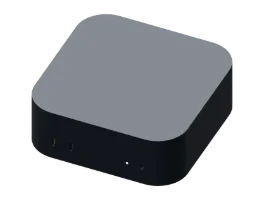 Grain Grain | 0.25 H/s | ×1.0000 | 0.25 H/s |
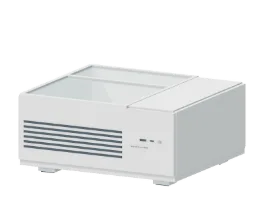 Pebble Pebble | 1.5 H/s | ×1.0000 | 1.5 H/s |
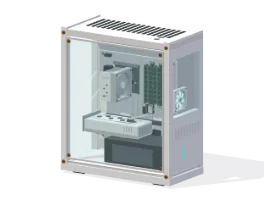 Seed Seed | 8.2 H/s | ×1.0000 | 8.2 H/s |
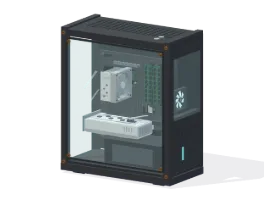 Sprout Sprout | 14.2 H/s | ×1.0521 | 14.9 H/s |
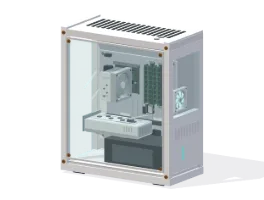 Sapling Sapling | 18.2 H/s | ×1.0863 | 19.8 H/s |
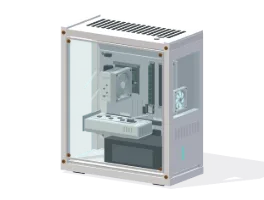 Fern Fern | 38 H/s | ×1.1459 | 43.5 H/s |
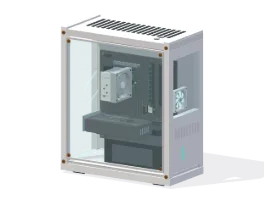 Grove Grove | 71.7 H/s | ×1.1883 | 85.2 H/s |
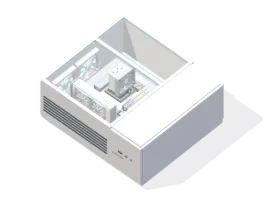 Cedar Cedar | 135.5 H/s | ×1.2307 | 166.8 H/s |
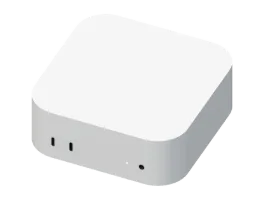 Mack mini M4 Pro Mack mini M4 Pro | 145 H/s | ×1.2383 | 179.6 H/s |
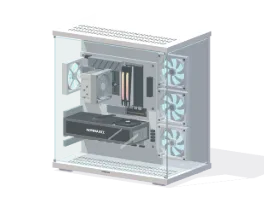 Redwood Redwood | 331.9 H/s | ×1.2880 | 427.5 H/s |
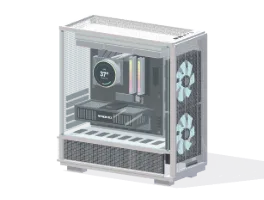 Canopy Canopy | 654.3 H/s | ×1.3313 | 871.1 H/s |
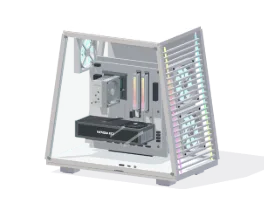 Sequoia Sequoia | 1,280 H/s | ×1.3746 | 1,759.5 H/s |
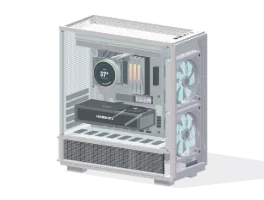 Hyperion Hyperion | 1,919.3 H/s | ×1.4000 | 2,687.1 H/s |
#H/s per W
H/s per W is how many H/s a PC makes for each watt it draws. It is the best way to compare running costs: a PC with twice the H/s per W makes the same H/s for half the electricity.
- Grain
- Pebble
- Seed
- Sprout
- Sapling
- Fern
- Grove
- Cedar
- Mack mini M4 Pro
- Redwood
- Canopy
- Sequoia
- Hyperion
#Ready PC or parts: same result
A ready PC and the same parts built by hand give exactly the same H/s and watts. Upgrading one part recalculates everything, the efficiency multiplier included.
#Sealed systems
The Mack mini M4 Pro is a sealed system: its CPU, GPU, RAM and SSD are fixed, and it can’t be opened or changed. It makes 179.6 H/s on 65 W and can be installed on an open desk once its Hall and power requirements are met. Put it where a tower was and your tower stays saved, so you can switch back. It runs at its own temperatures (47 °C / 45 °C fresh) and still needs thermal paste and fan cleaning: one cleaning covers the whole machine.
#Upgrading
- Nothing is lost. A replaced part goes to your inventory, ready for another desk.
- Build keeps a draft. Your changes apply when you press Save & Exit.
- Follow the tip. The Build window suggests your best next upgrade.
#Parts reference
Every part on sale, cheapest first. Prices in US dollars.